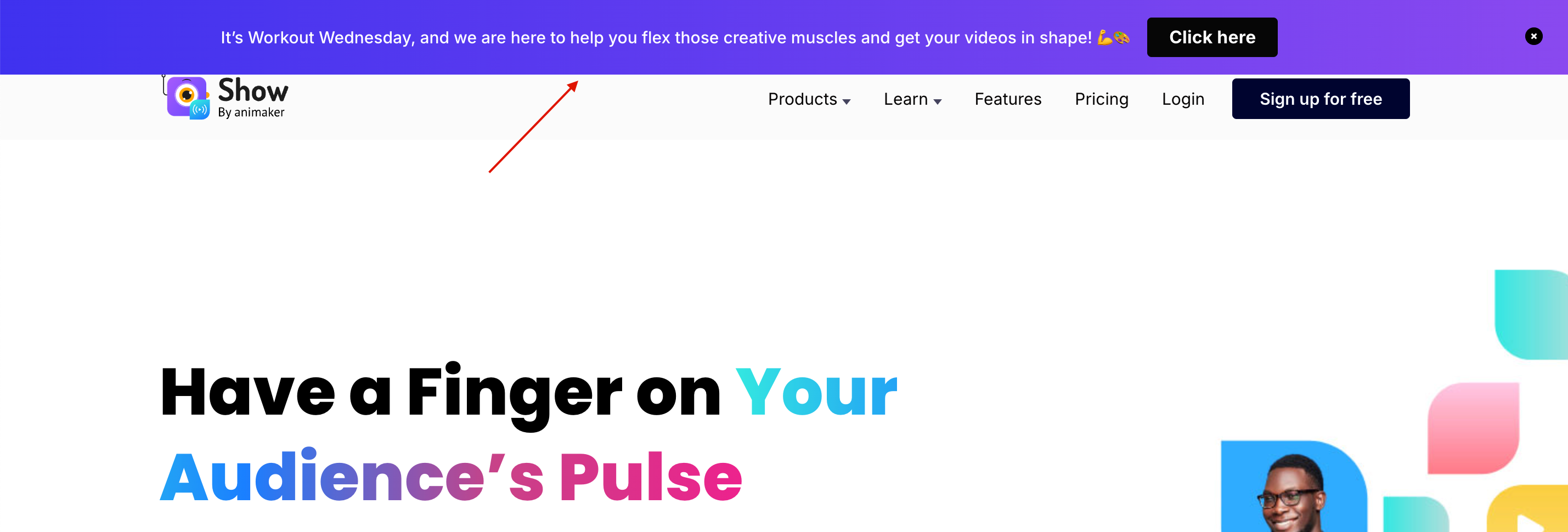
In App Notification Popup And Banner
Using In App notification, you can create popup & banner in logged out and logged in page. Popup notification have been specialised into 3 category,
- Title, description, image & button
- Title, description & button
- Title, description, video & button
For Banner notification have been specialised into 2 category,
- Description only
- Description & button
You can add link for image & button in notification. Additionally you have the option to set at which category the popup should appear in your screen. The categories are Onload, Interaction time & Scroll . Expire date & time you can set to stop the notification.
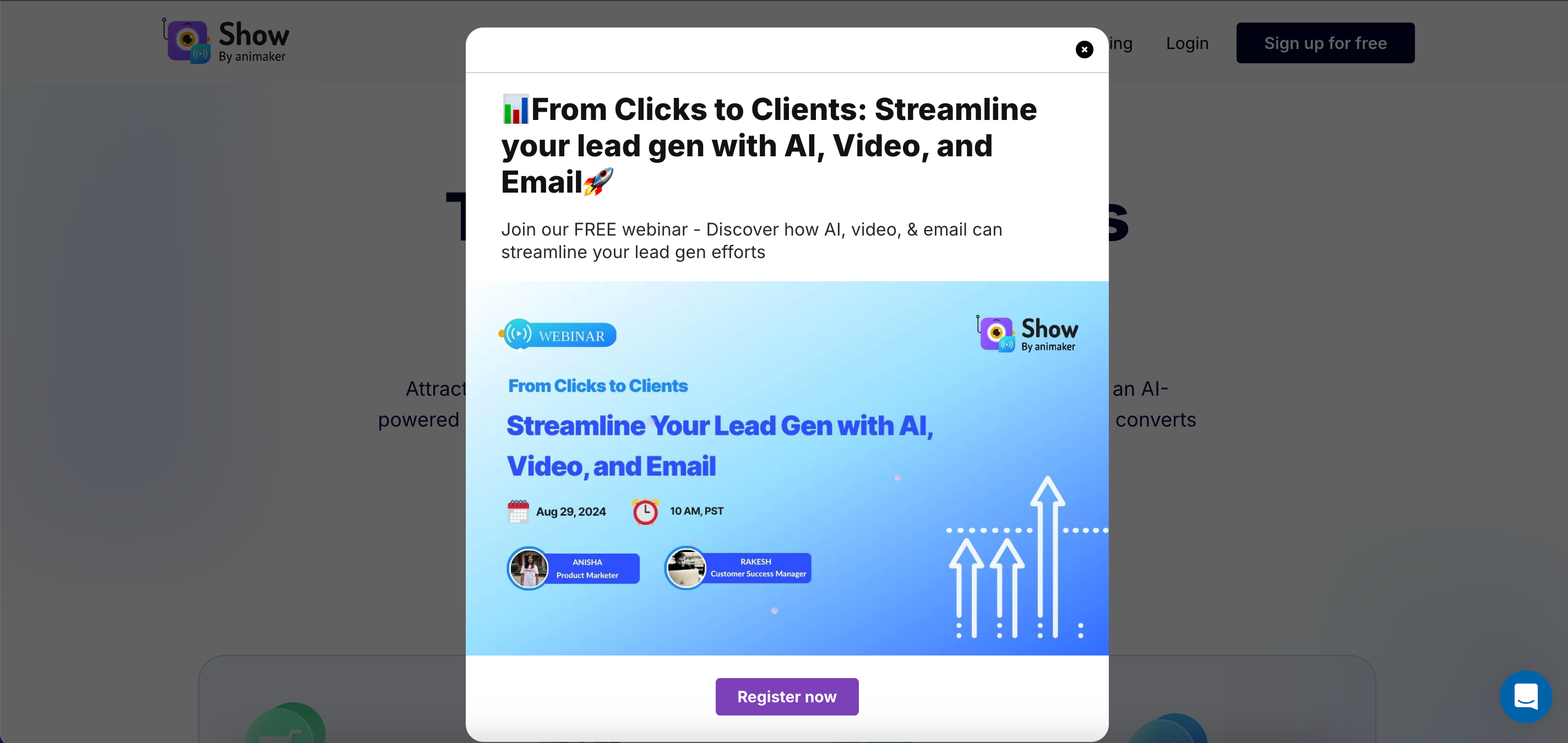
You can also update the content for notification. Proper domain and path url need to added to show the notification. If you want to show the notification in particular page or in all the pages you can set using path url.
If user want to see the notification every time whenever they come to notification created page that setup also you can do using session true or false. When the session is true the notification will be shown only once, if its false the notification will be shown every time.