Pause & Edit Campaigns
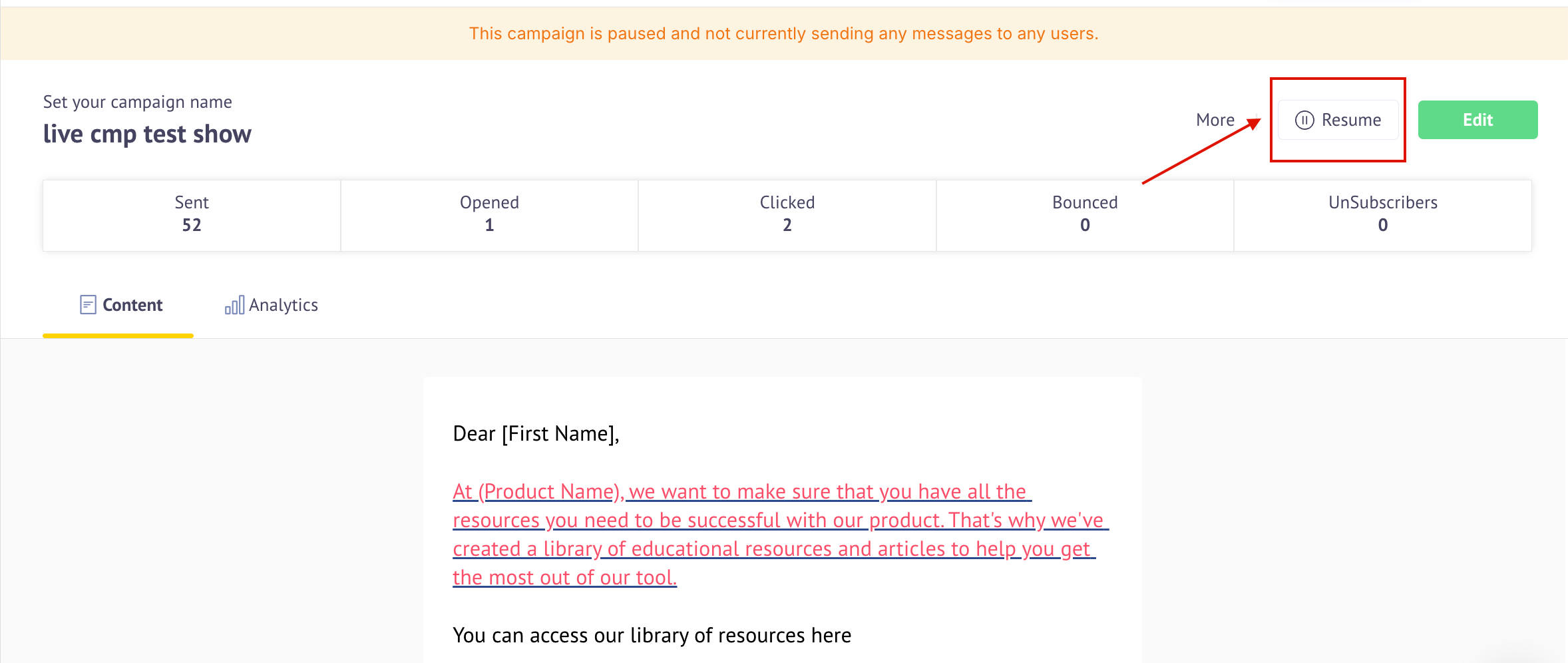
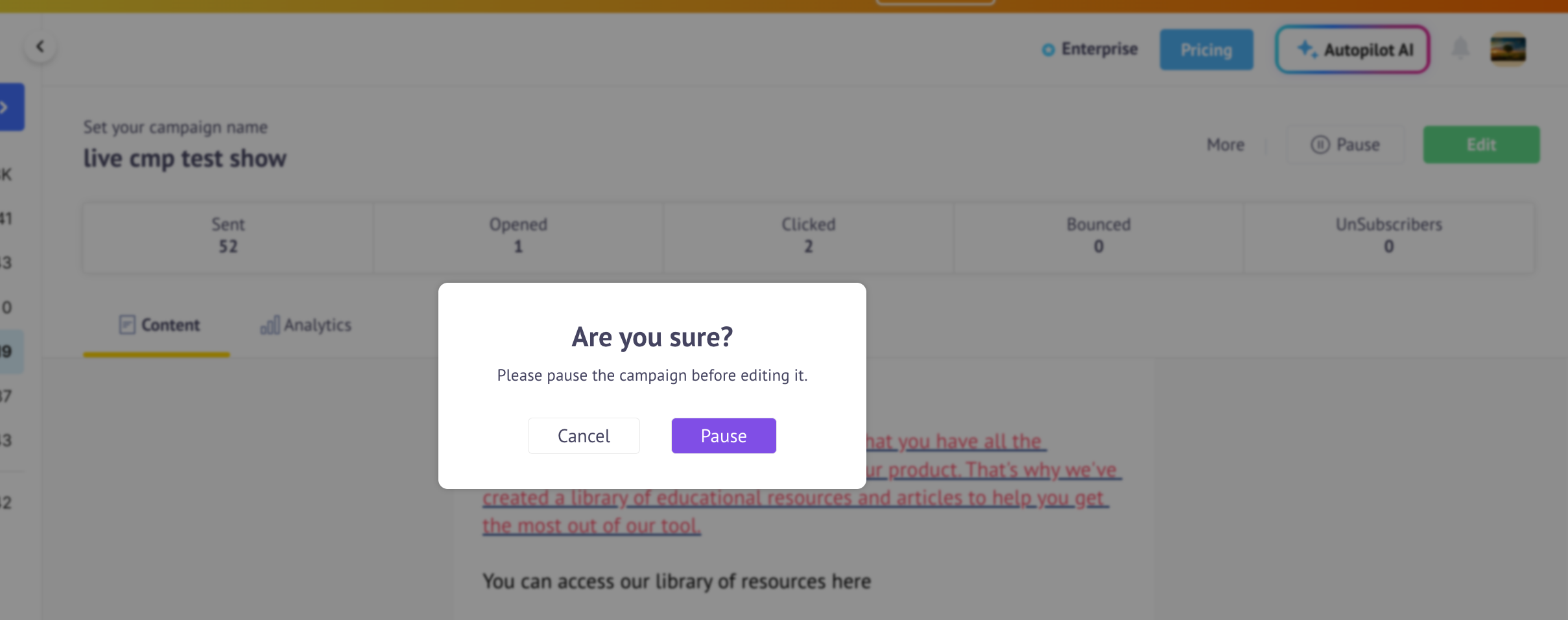
The "Pause Edit Campaign" feature allows you to update content in the editor for campaigns that are scheduled for the future or are live. To edit a scheduled campaign, you need to pause it by clicking on the "Edit" or "Pause" option.
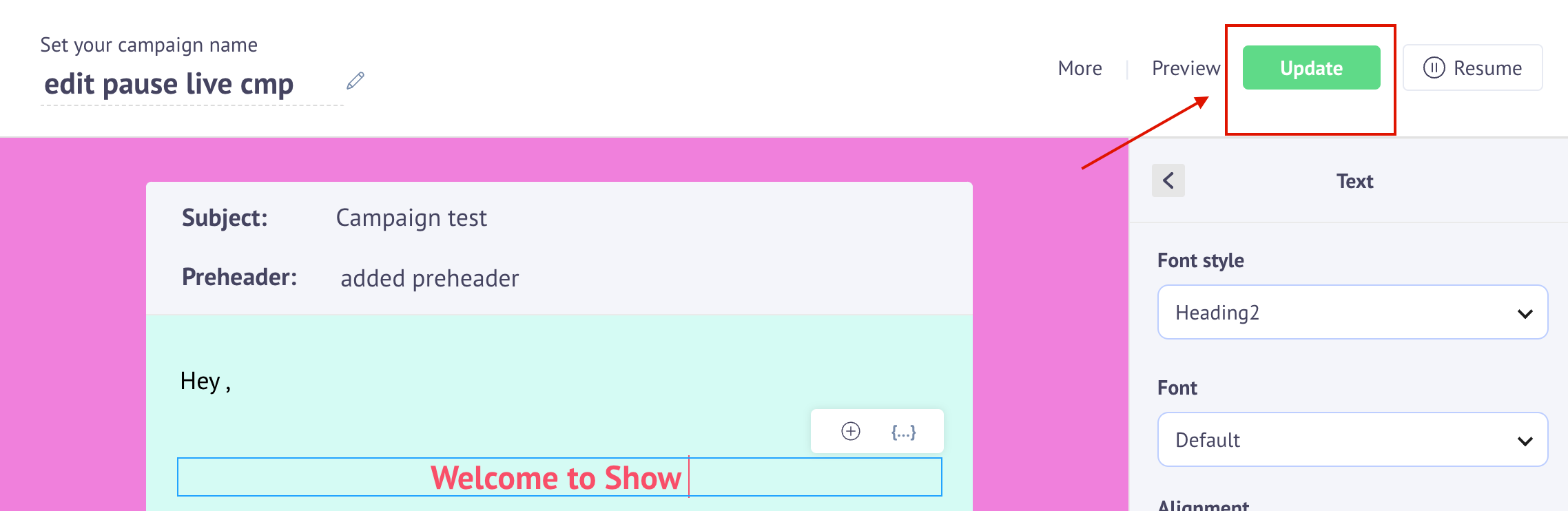
After editing the campaign, click the Update button to apply the changes. Once the content is updated, you need to resume the campaign to continue sending it. If it is a live campaign, the updated content will be sent to the contacts created for the child campaign.