Profile Settings
This section deals with all you have to know about your SHOW profile.
WHERE DO I GO?
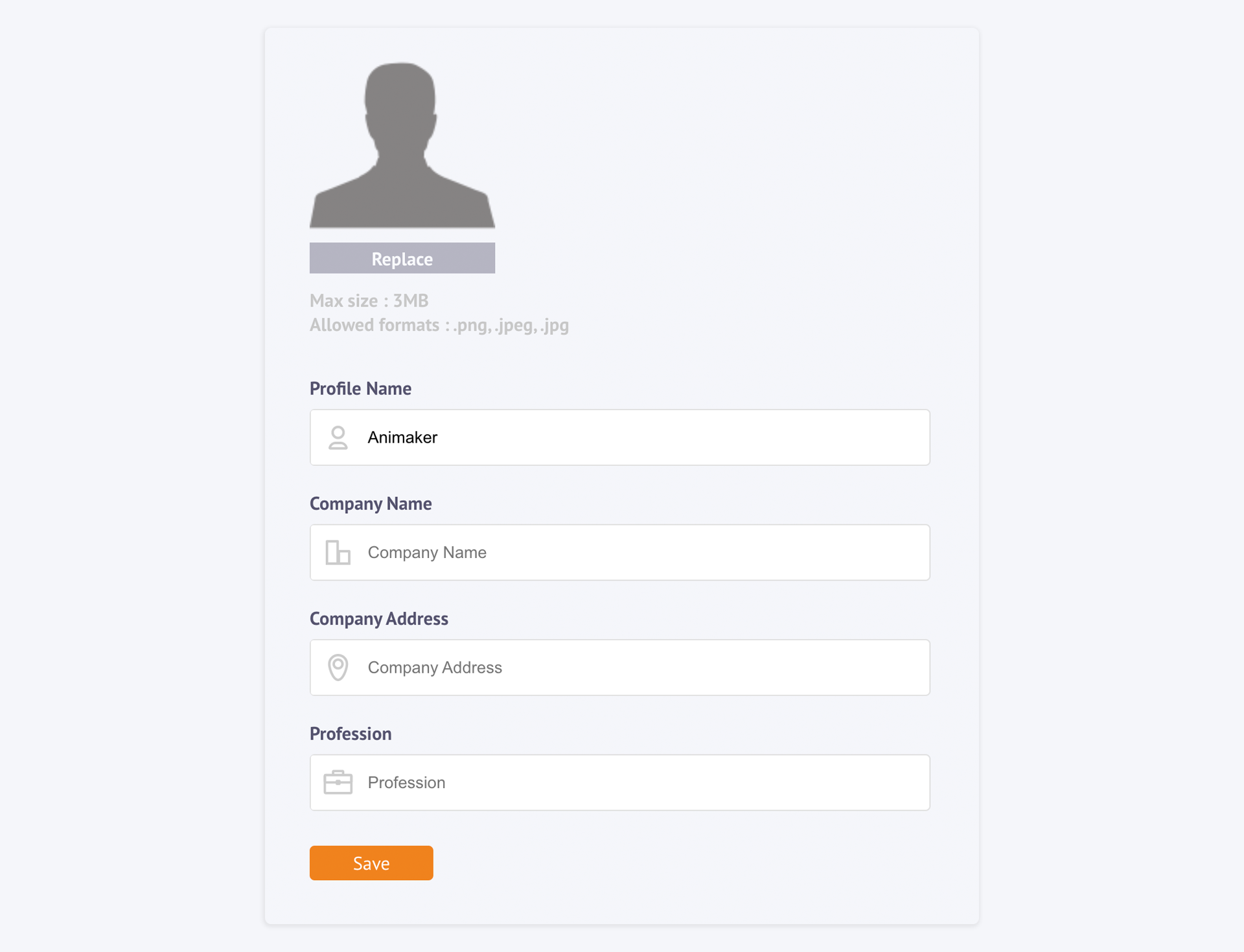
The Profile Settings is found in the Settings panel of your Show Account. The best possible path to reach it would be by going to the righthand corner of your screen and selecting 'Account Settings' from the drop-down list and clicking the 'Profile Settings' as shown here,
You can also take the long route by selecting 'Settings', from the sidebar and then clicking the 'Profile Settings button as shown below,
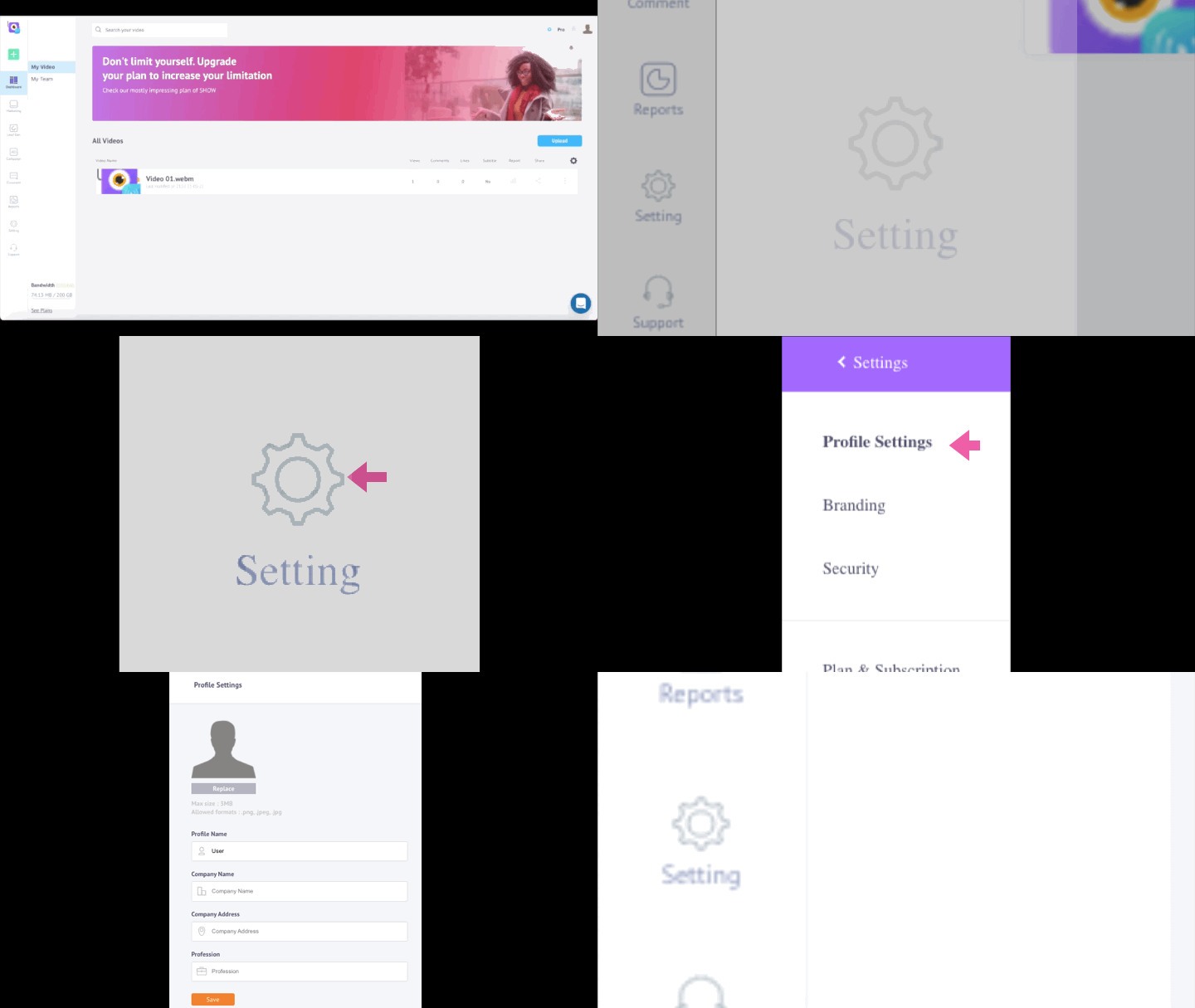
All you have to do is fill in the details in the Profile Settings menu.
PROFILE SETTINGS
We would need to know the following necessary information to know more about our customers.
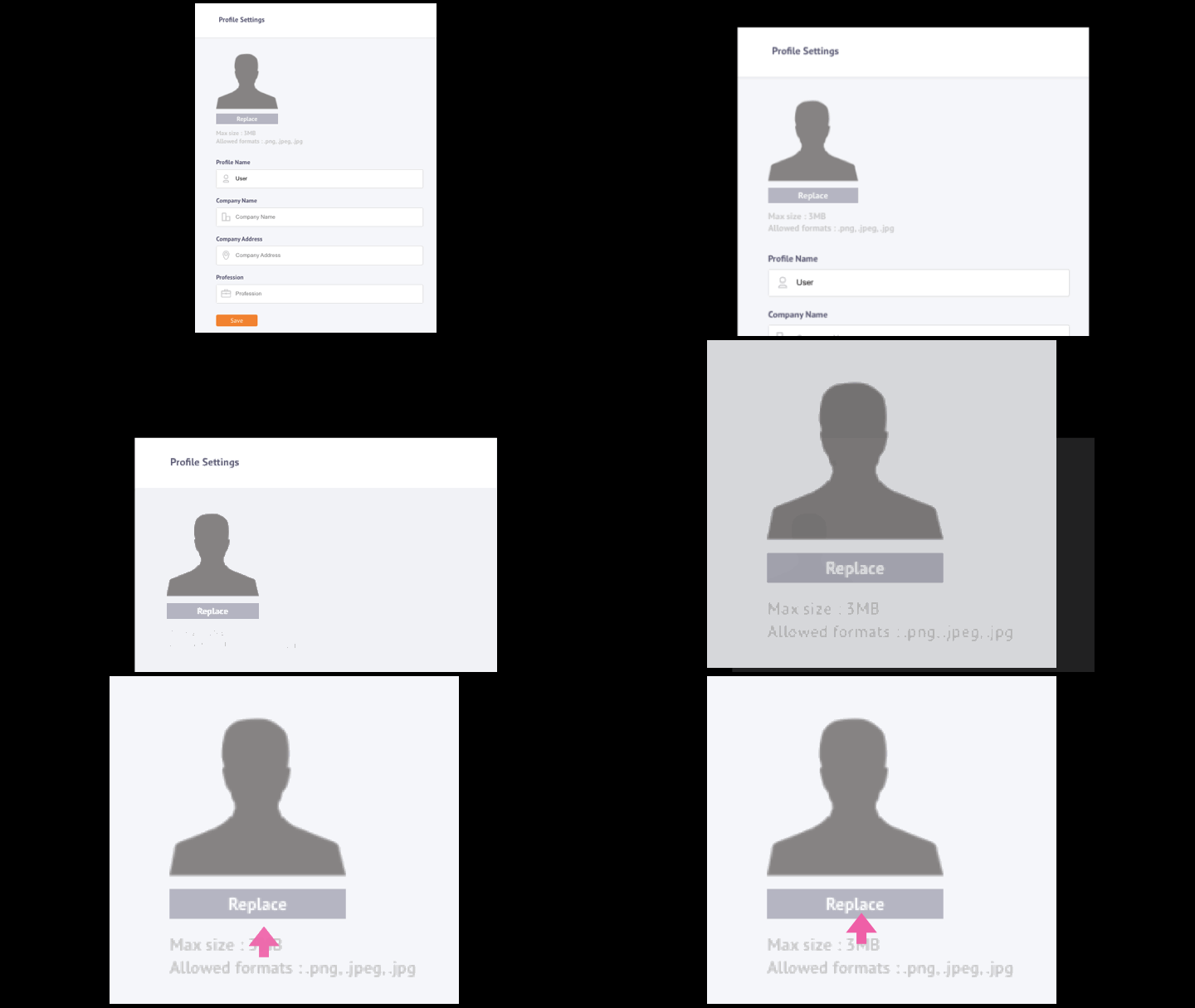
1. Profile Picture
You can upload a profile picture for your Show account. All you need to take care of are,
- Maximum Image Size of 3MB
- Allowed Image Formats: .JPG, .JPEG, .PNG
2. Profile Name\ Write your Profile name here.
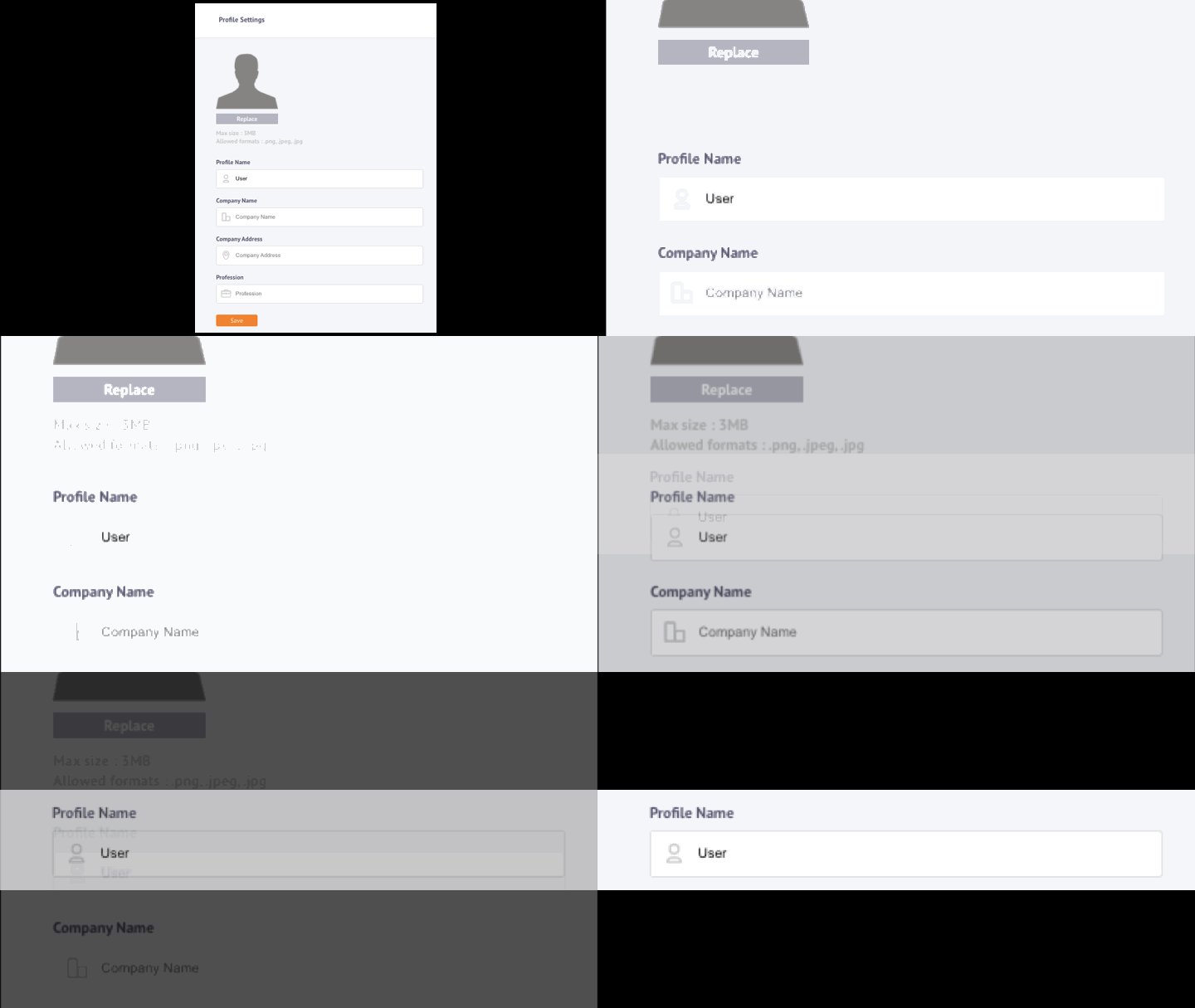
3. Company Name\ Write your company name here,
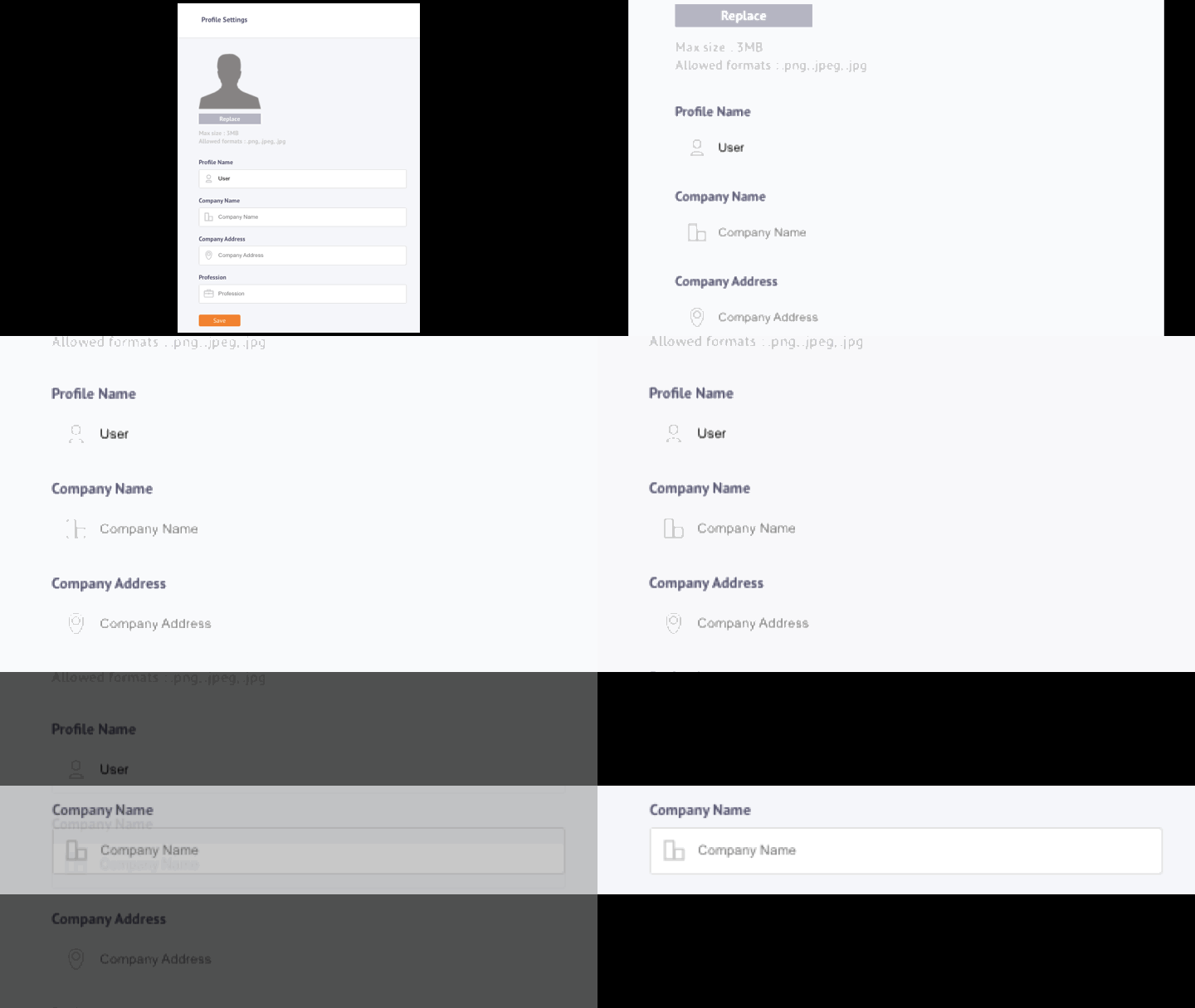
4. Company Address\ Write your company address here here,
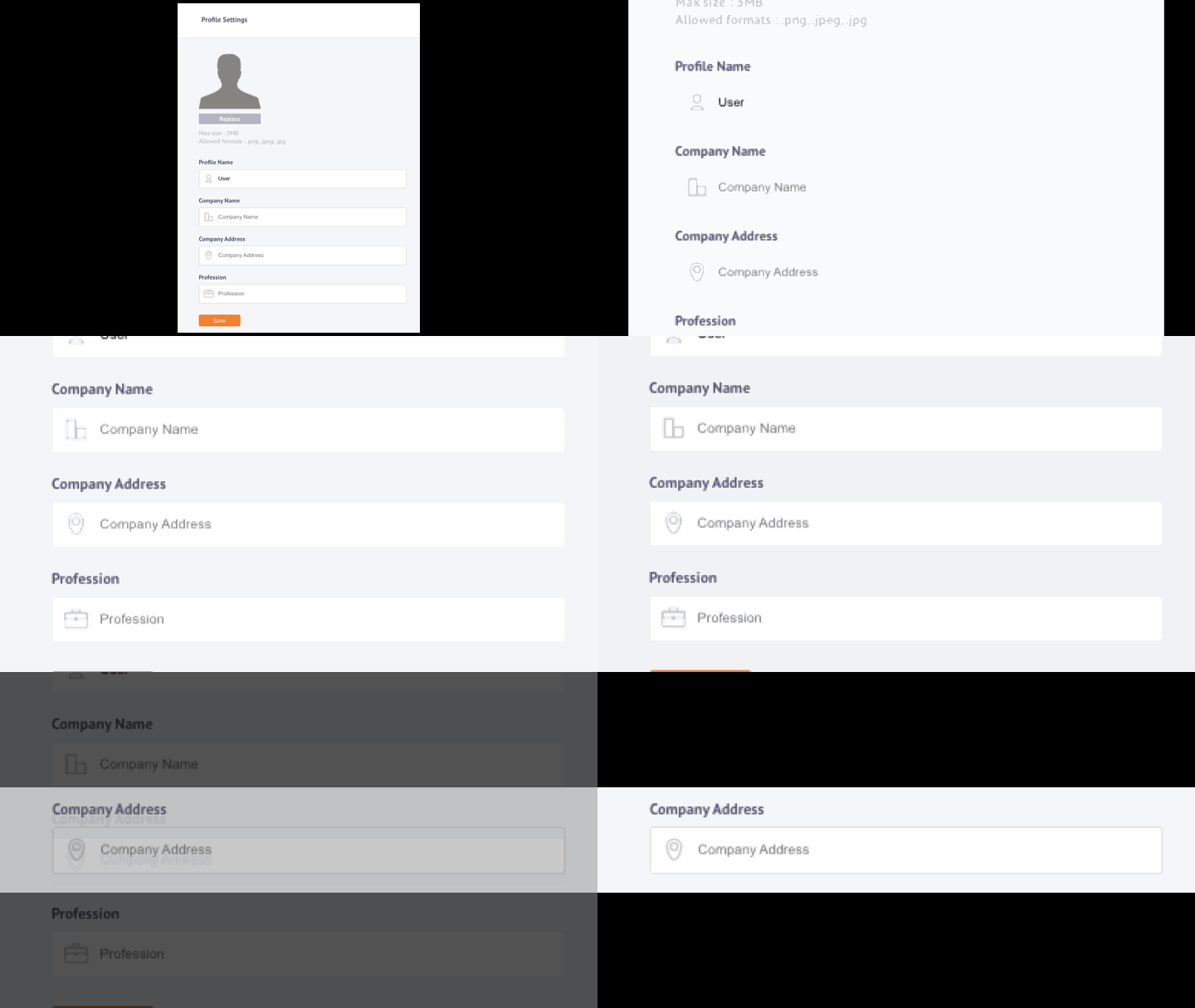
5. Profession
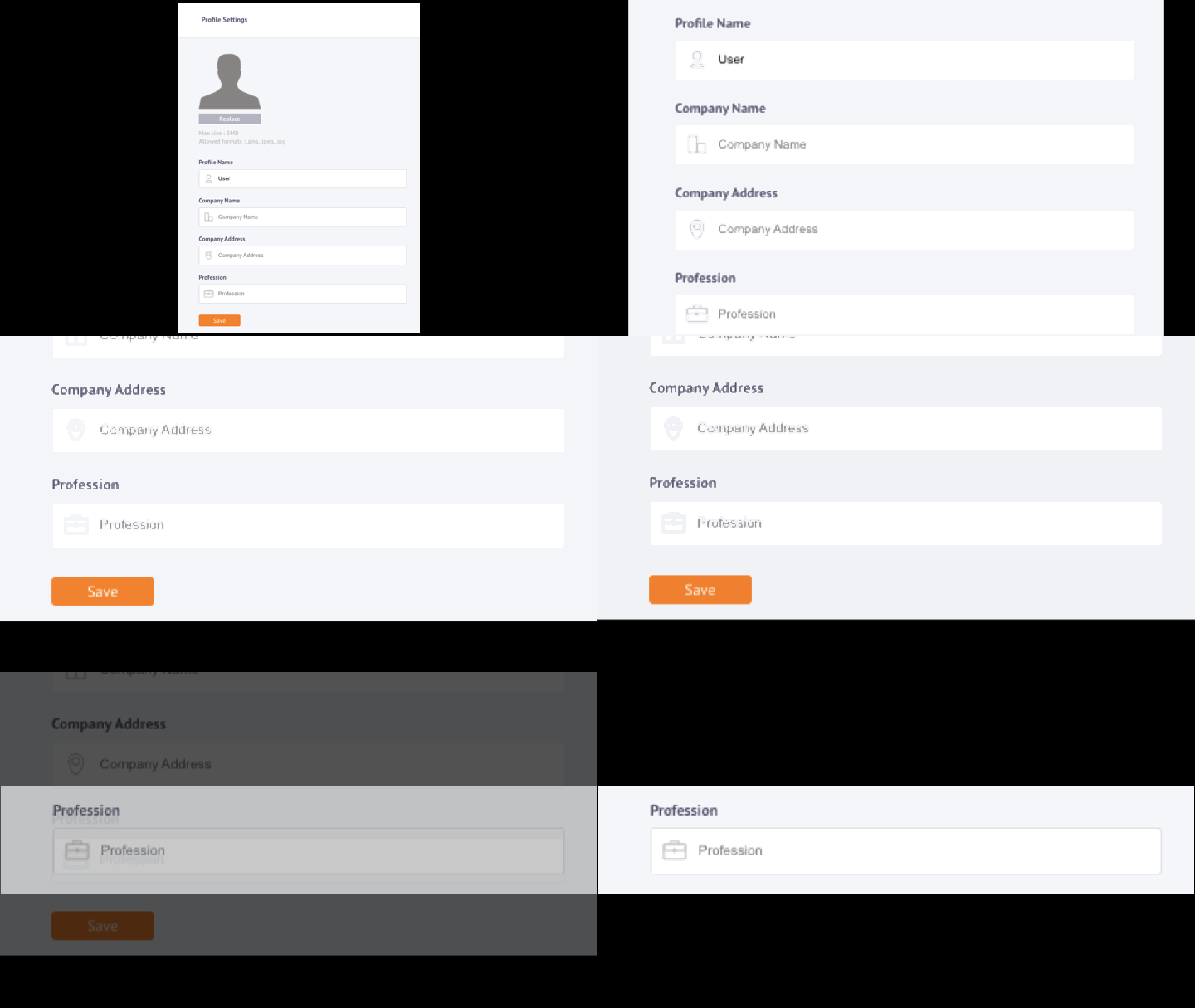
Lastly, you can write your profession here.
🚧 Please Note
If you want to change any of the information, you can do so any time you want, just make sure you click Save at the end.