Campaign Creation
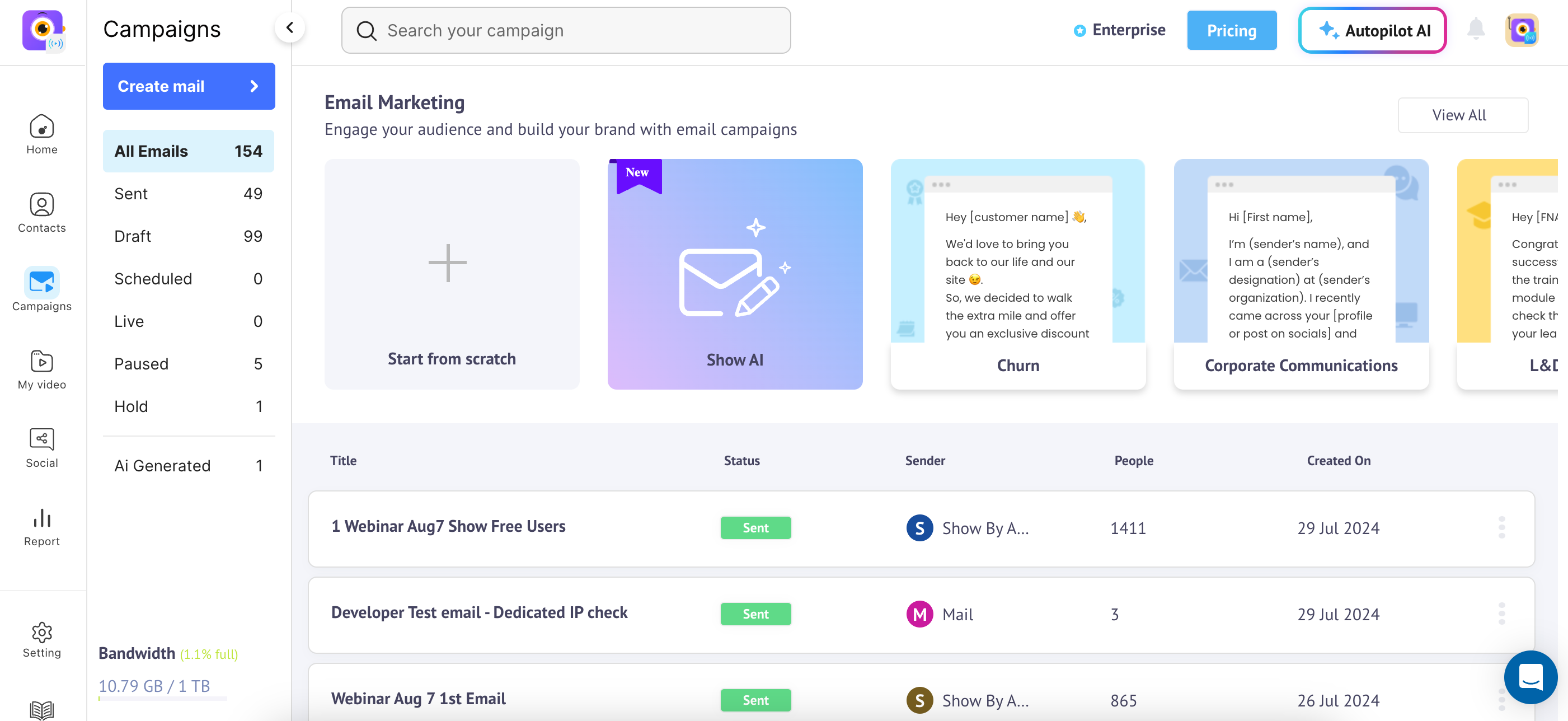
You can create campaigns via the campaign section. We support advanced email editor capabilities which helps users to design email templates according to the design requirements, to design marketing campaigns, newsletters, personalised emails etc. Within the email editor, you can add text, upload images, and insert strip elements, buttons, code, and HTML. The campaign section is divided into different options like sent, draft, scheduled, and more.
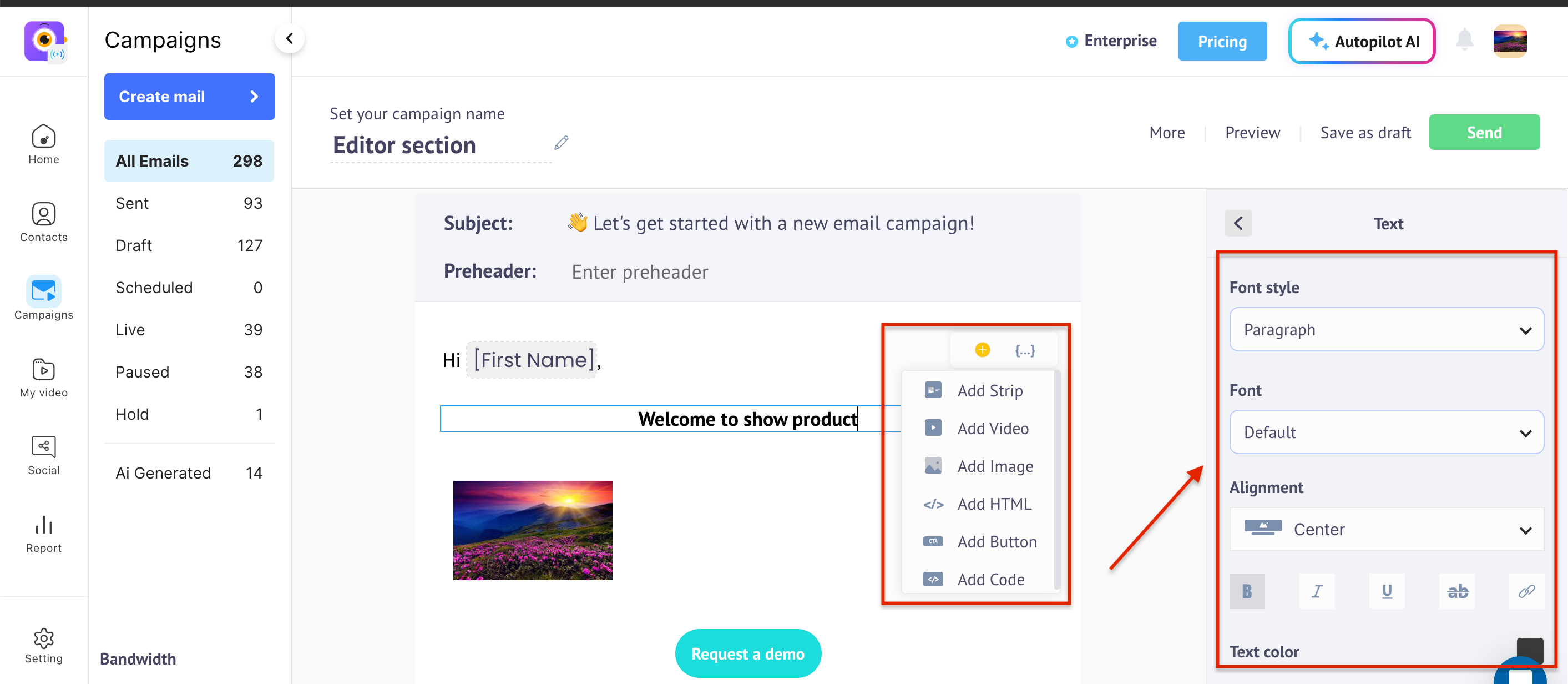
EDITOR SECTION
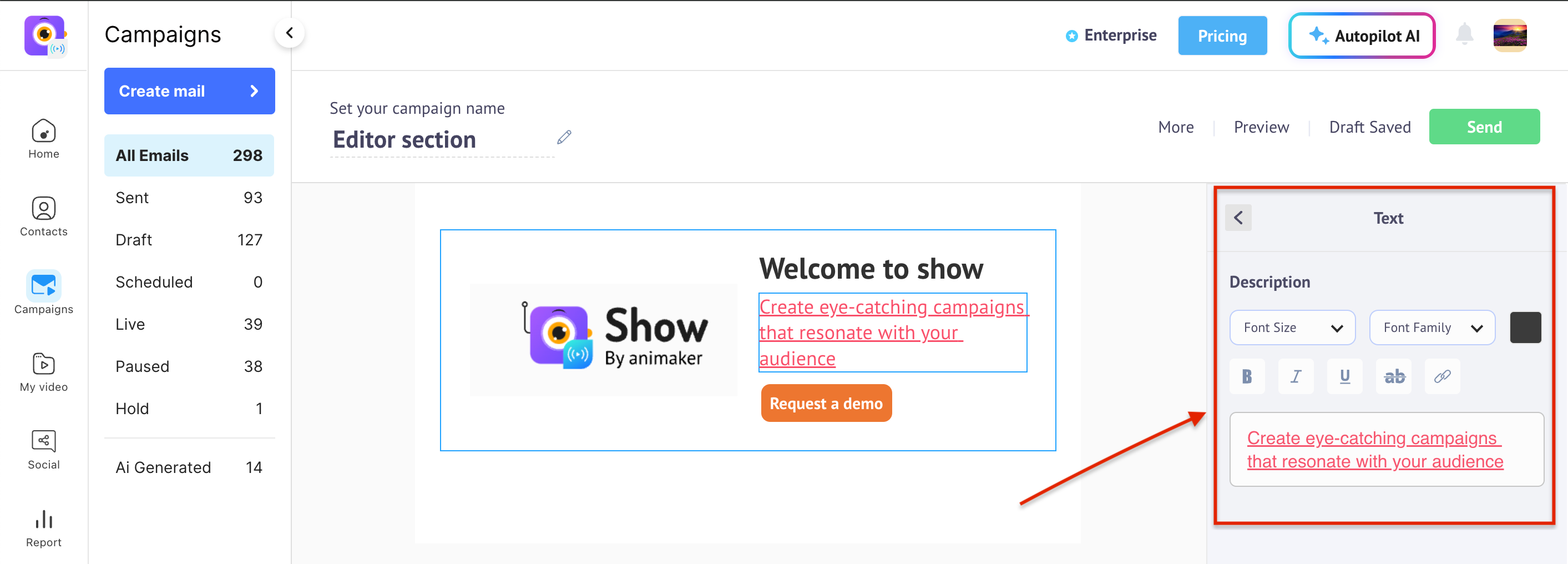
You can change the font style, alignment, text color, and add URLs for text, images, and buttons. Additionally, there is an option to switch the content to HTML code.
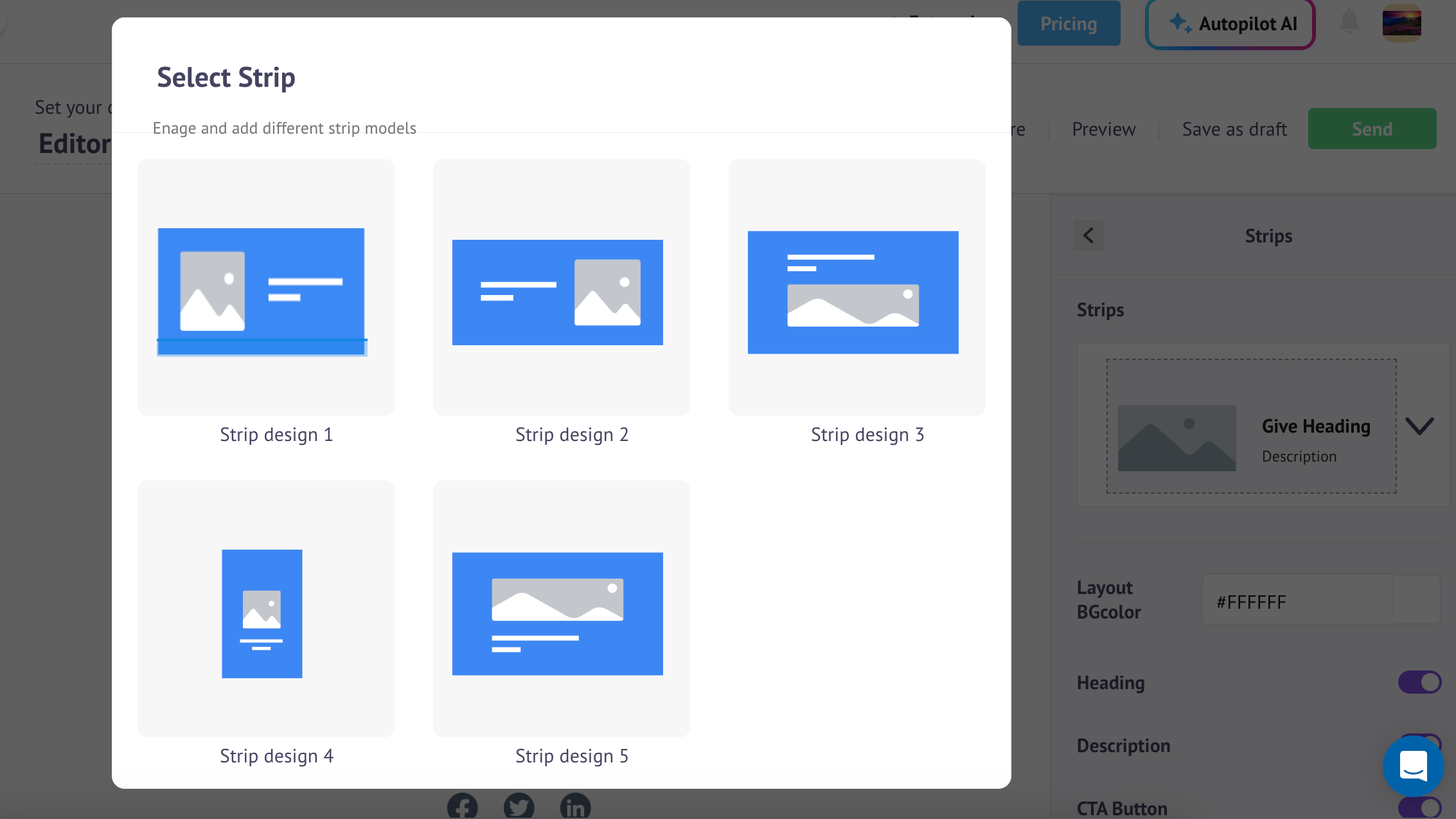
STRIP ELEMENT IN THE EDITOR
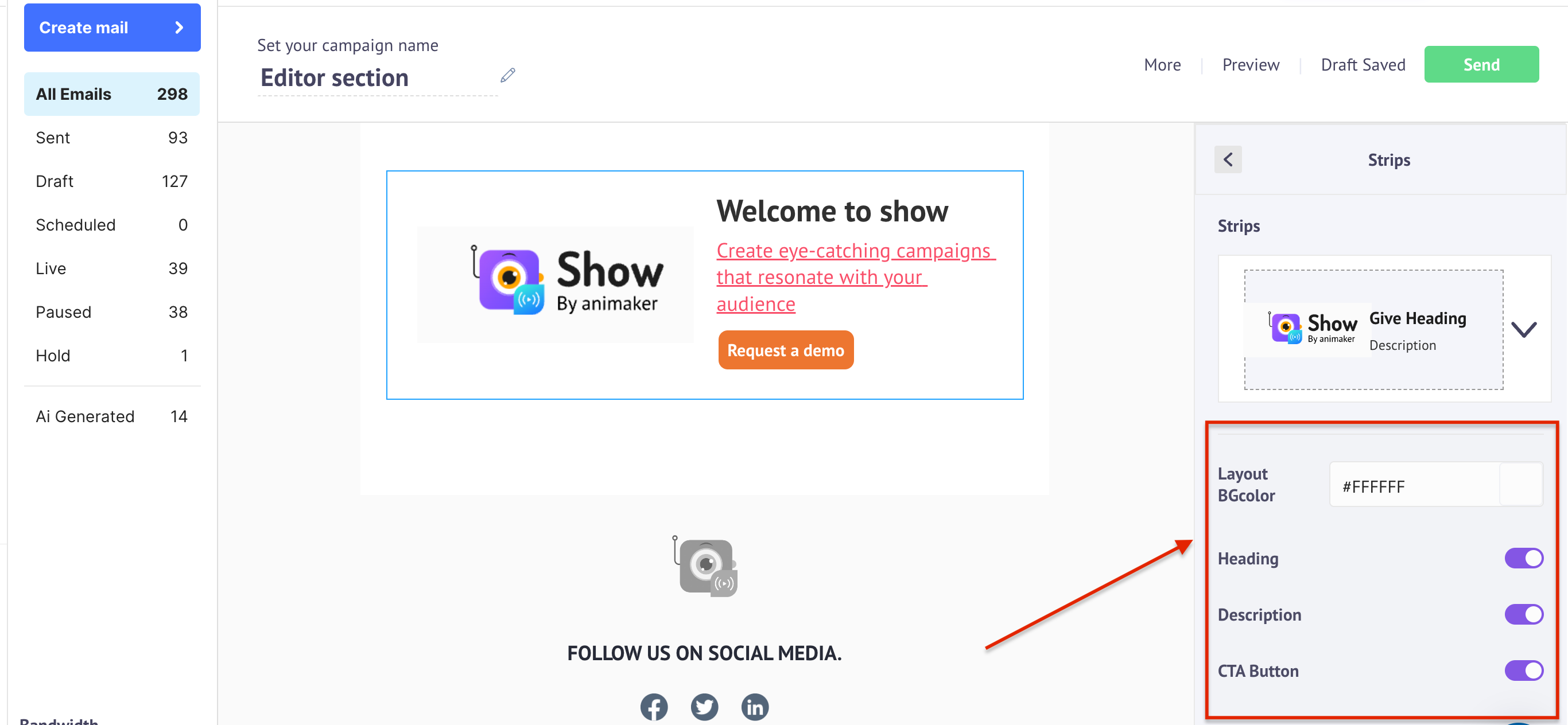
With the strip element in the editor, you can use various design options to make your email more attractive. Additionally, you can add images, buttons, and links within each strip.
You also have the option to enable or disable the image, text, and buttons if you don't want them to appear. You can select the font style, background color for the image, and alignment within each strip that you add.
SCHEDULE YOUR CAMPAIGN
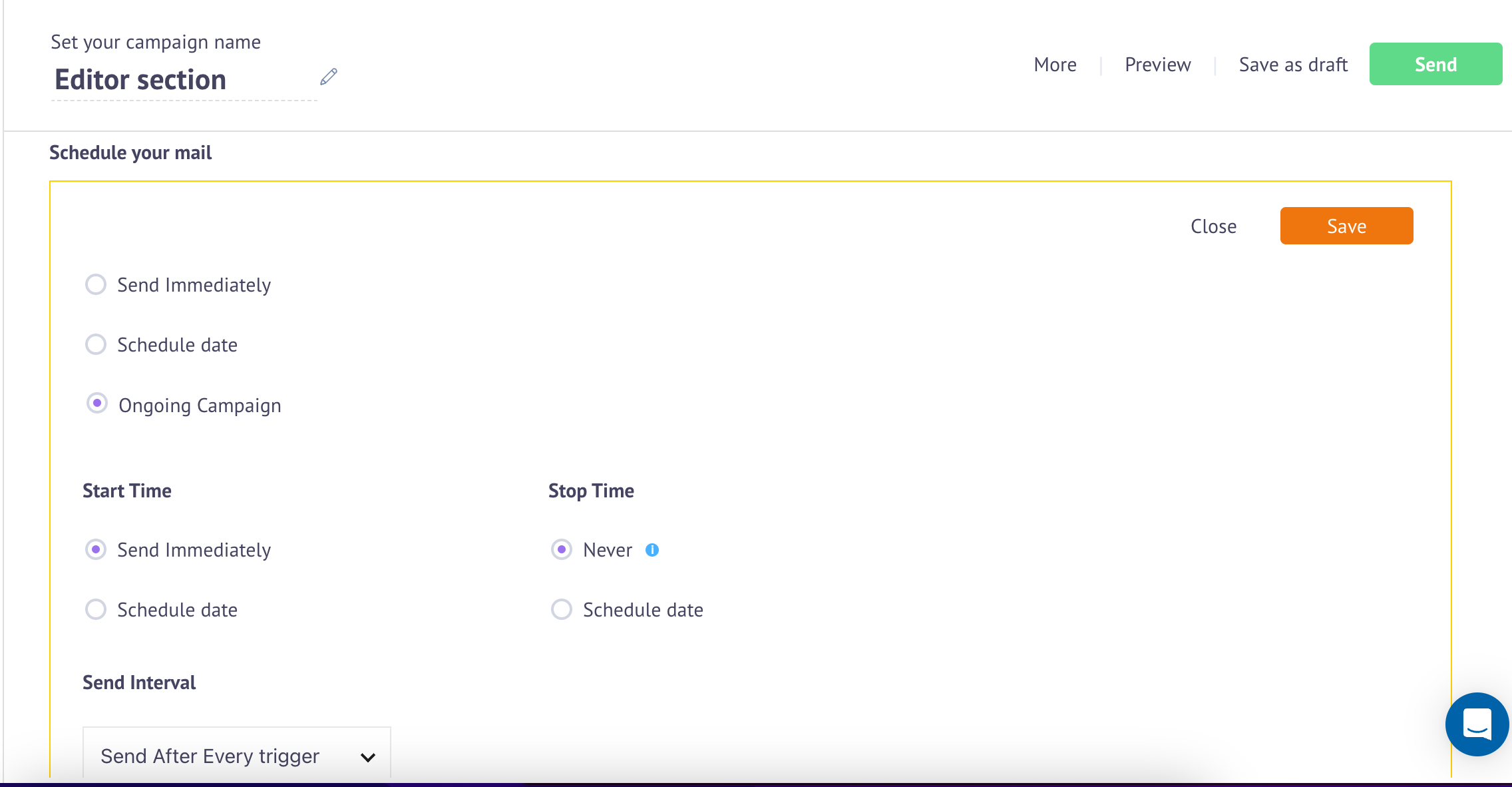
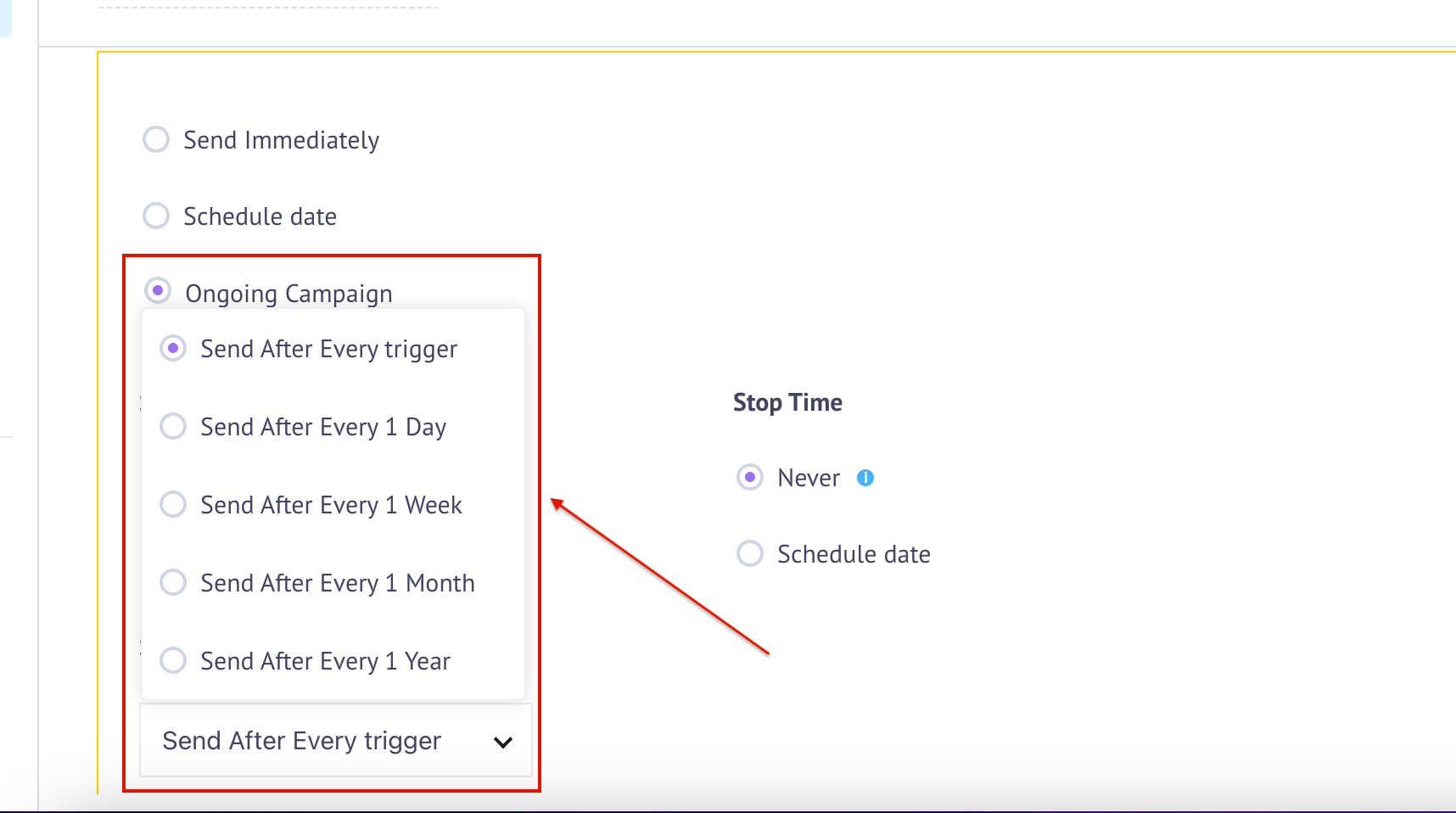
You have different options for scheduling your campaign, including ongoing live campaigns, future schedules, and immediate sending.
Additionally, you can schedule a campaign on a daily, weekly, or monthly basis, or trigger it based on specific events that match your needs.